Rummy Safety: Check Privacy Settings Before a Session
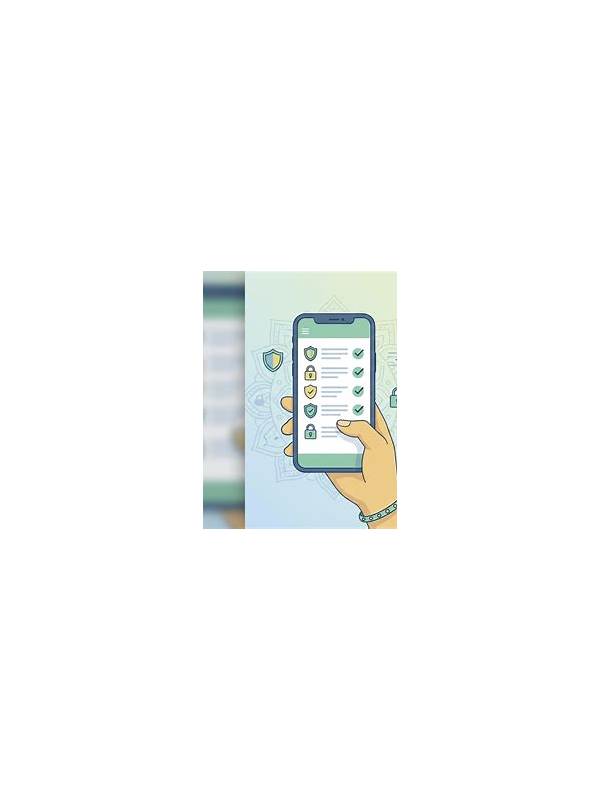
Privacy settings deserve a quick check before an online rummy session. The exact controls vary by service and device, but the principle is consistent: understand what information is visible, which notifications appear, and what permissions are active.
Start with profile visibility. Check whether your display name, avatar, activity status, friends list, or recent tables can be seen by other users. Use the least revealing setting that still supports the experience you want. Do not assume that a nickname alone makes an account anonymous if it is connected to public social profiles.
Review notifications next. Notifications can reveal account activity on a shared lock screen or family device. Disable previews for sensitive messages, and consider using a private device profile where appropriate. Never share one-time codes, passwords, payment details, or recovery links with another player or an unsolicited contact.
Inspect permissions on your phone. A card game generally should not need access unrelated to its core function. If an app requests contacts, microphone, location, or storage access, read the explanation and decide whether the feature is necessary. Decline permissions that do not fit the service, and remove access later through device settings if it is no longer needed.
Use official support channels for account questions. Be cautious of messages asking you to install a remote-control tool, send a screenshot containing private information, or move a payment conversation outside the service. Confirm links from inside the app or through a known official help page rather than relying on a message’s appearance.
A privacy check takes only a few minutes and is especially useful on shared networks or devices. Combine it with strong unique credentials and available account security controls. Safe play includes protecting your information as carefully as you protect your time and budget. Use a screen lock, update software from trusted sources, and verify suspicious alerts through a known channel. A few quiet precautions can prevent a security problem from becoming part of the game.